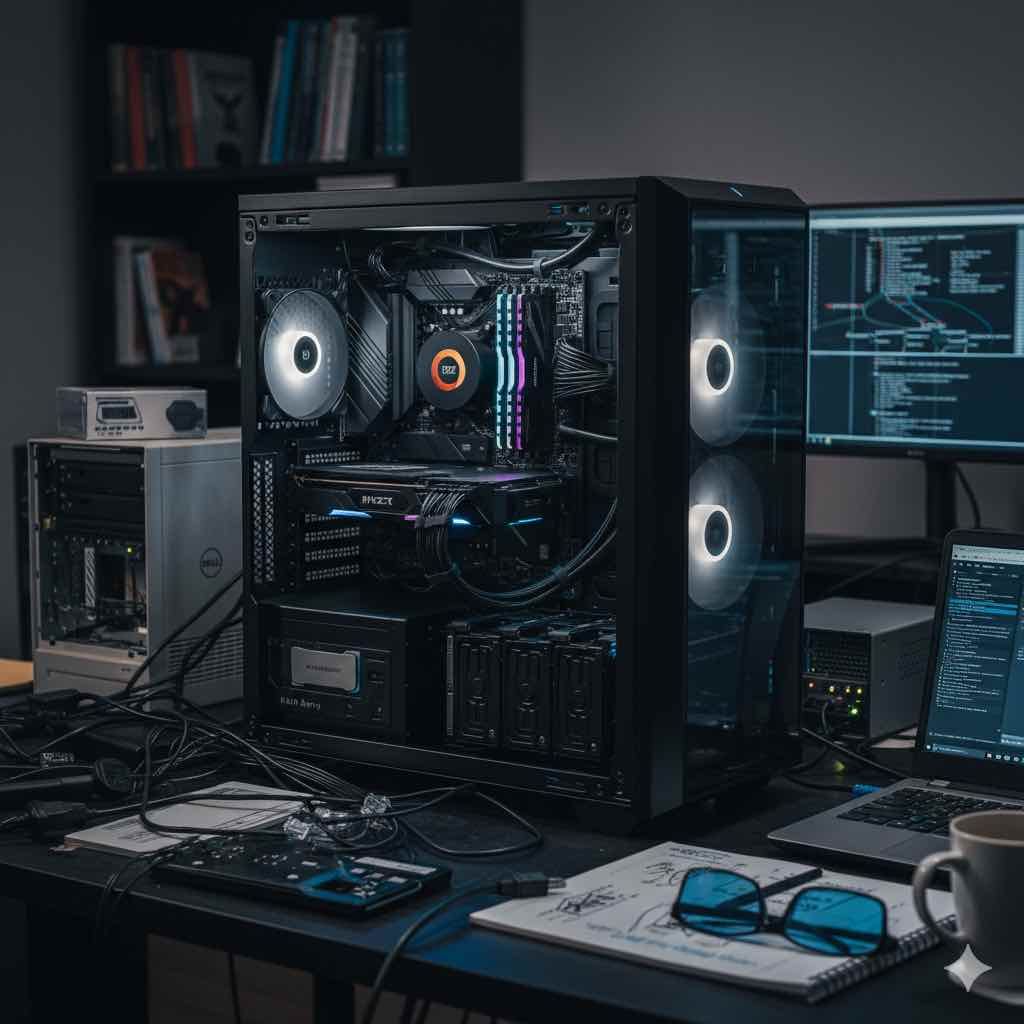
Navigating Server Challenges: My Docker Dilemma and Hardware Overhaul
I encountered a series of issues with my apps and web server. From Docker container failures to storage constraints, here's what I'm doing.
I recently faced an unexpected series of issues with my apps and web server that underscored the importance of staying ahead of hardware and software limitations. Let’s dive into what happened, how I resolved it, and my plans for a more robust setup moving forward.
The Incident: Docker Failures and Server Struggles
Everything started smoothly as I began working on some projects early in the morning. However, Docker soon began failing repeatedly. My initial attempts to restart Docker and reboot the system proved futile. Finally, reinstalling Docker and running docker-compose brought everything back online. Thankfully, my databases were on a separate server, so they remained unaffected.
Upon closer inspection, I discovered that old Docker containers were consuming an excessive amount of storage space. It was time for some cleanup and optimization.
Current Hardware Setup
My current system is a Dell Precision TI1650 with the following specifications:
- CPU: Intel Xeon E3-1270V2 (Model SR0P6), running at 3.50GHz, featuring 8MB of cache and 4 cores.
- Memory: Crucial KIT consisting of 4 x 8GB modules, DDR3L at 1600MHz speed, ECC type PC3L-12800, organized as 2Rx8.
This setup has served me well, but running over 70 Docker containers (websites and apps) is starting to strain the system.
Why These Specific Components?
Chassis: DELL PRECISION T1650
This unit became a pivotal part of my setup through an unexpected stroke of luck. While walking my dogs in Miami, I noticed someone discarding this PC. By the time I finished with my walk, it was still there, so I took it home. Missing only a hard drive, everything else functioned perfectly. I transformed it into a home lab server. I liked the machine so much that I decided to buy 3 more systems. 2 are active and 1 fall back.
CPU: Intel Xeon E3-1270V2
Upgrading the CPU to the maximum capacity for the motherboard led me to choose the Intel Xeon E3-1270V2. Known for its reliability in server environments, this CPU has handled Docker containers efficiently and has proven to be a solid choice.
Memory: Crucial KIT 32GB DDR3L ECC RAM
Maximizing the RAM on this system was a priority, though I could only achieve up to 32GB. This setup, with its ECC technology, ensures reliable performance, enhancing data integrity and system stability—critical factors for maintaining server reliability.
Future Plans: Upgrading My Infrastructure
To address current limitations and ensure smoother operations:
1. Building a New System
- Case: NZXT Phantom 820
- CPU: Ryzen 93950x
- RAM: 64GB of DDR4 or DDR5
- Storage: 1TB NVMe RAID for the OS, 2TB SSD for additional storage, 4TB HDD array (RAID) for bulk storage
2. Migrating Web Data
Relocating some web data to this new system will alleviate pressure on my current setup.
3. Fallback Cloud Provider
Exploring cloud providers as a redundancy measure to minimize downtime in case of network issues or server problems.
Wrapping up
These challenges were a wake-up call about the need for upgrades and better planning. By addressing these issues head-on and using a more powerful system which I have on hand, I aim to ensure smoother operations and reduce the risk of future disruptions.
Once the new system is up and running, I'll definitely get some benchmarking from .
If you’ve faced similar issues I know the feeling. Hope you can get your setup back up and running!